Free Google review QR generator
Happy customers
leave without reviewing.
Not because they didn't like you — because nobody asked while they were still standing there. ReviewBoost prints a scan-to-review card you can put on the counter today. No app, no login, no chasing anyone down later.
- Ready in under a minute
- Print as PNG, SVG or PDF
- Runs in your browser
The workbench
Build your card
Paste your Google review link, add your name and colour, and print. Everything happens on your device — we never see your link.
Included free
The words, so nobody freezes
The card gets the scan. A person saying one honest sentence is what makes them actually do it. These update with your business type and name.
Start to counter
Three steps, one coffee break
-
1
Paste your link
Grab your Google review URL and drop it in. Add your name and a colour that matches your shop.
-
2
Print the card
Download a crisp PNG, SVG or PDF and print it at the front desk or your local print shop.
-
3
Ask, then reply
Put it where customers pay. Say the line. Reply to the reviews that come in — every one.
The upgrade · $29 once
The free card gets you started.
The Kit makes it a habit.
One card is a good start. Getting your whole team to ask, every day, and reply well is the part that actually moves the needle. That's a system — not another generator.
-
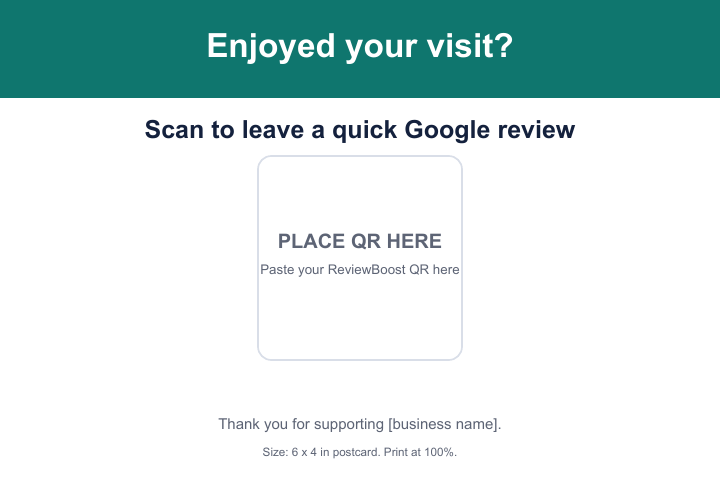
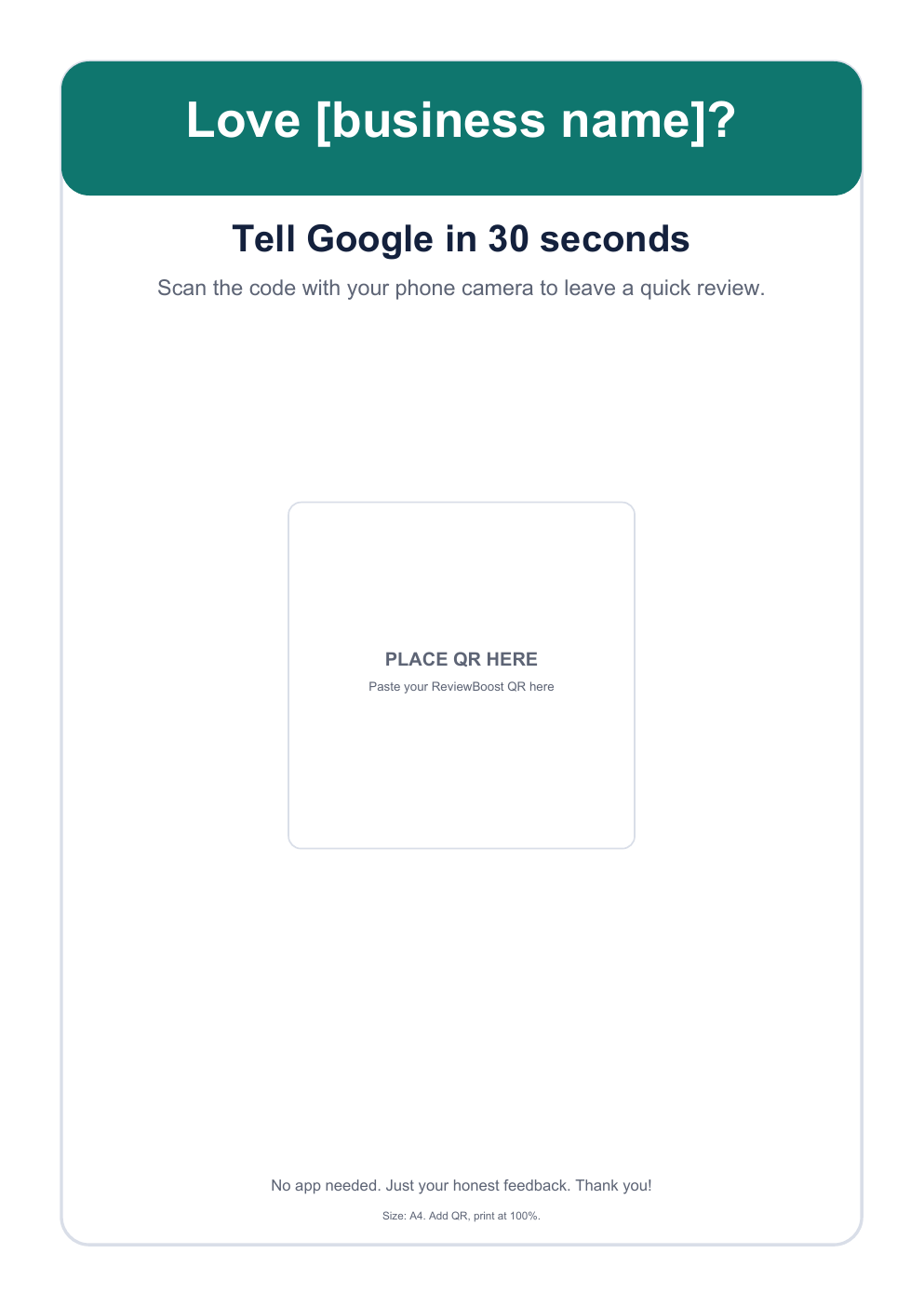
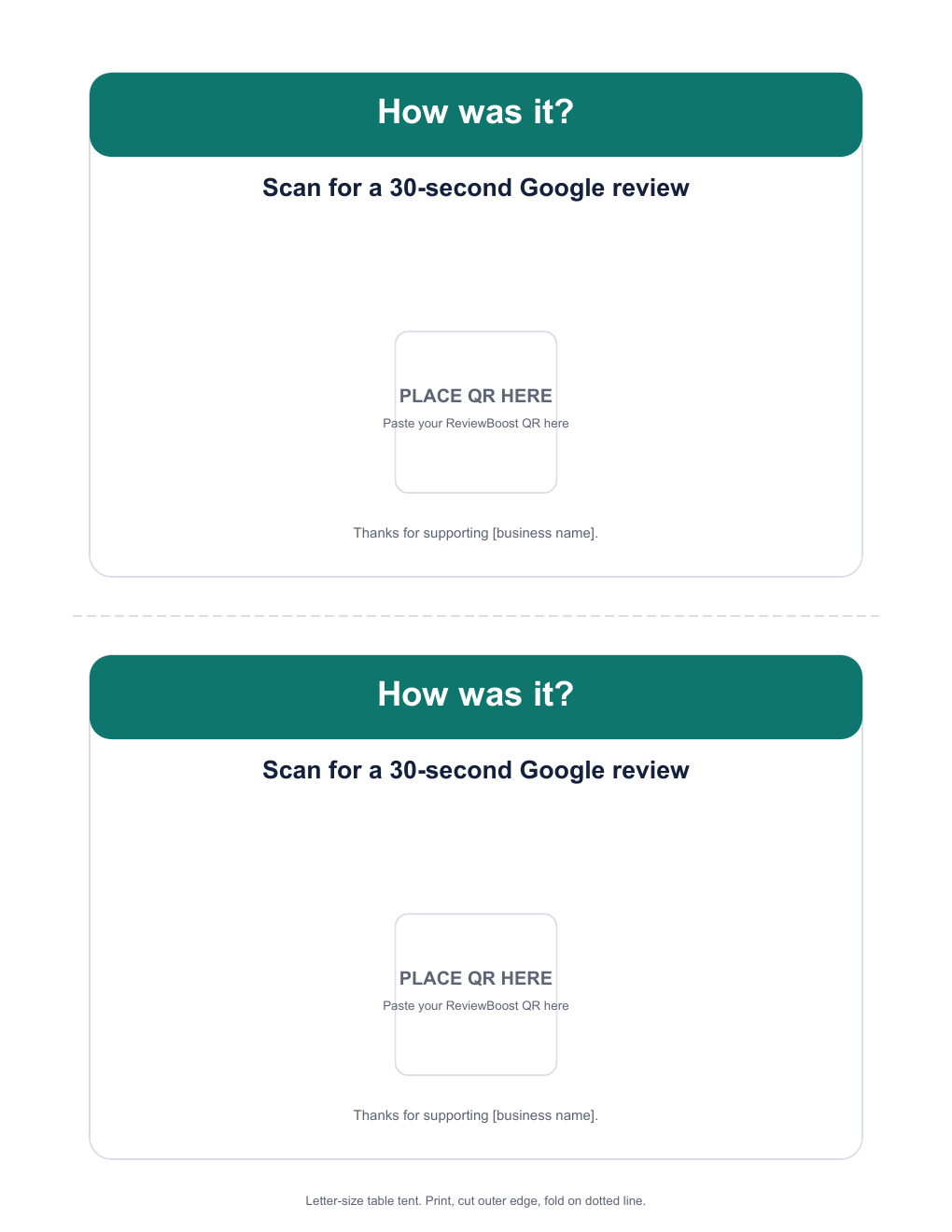
Print-ready cards & posters
Counter cards, table tents, and A4 / US Letter posters. Add your QR, print, done.
-
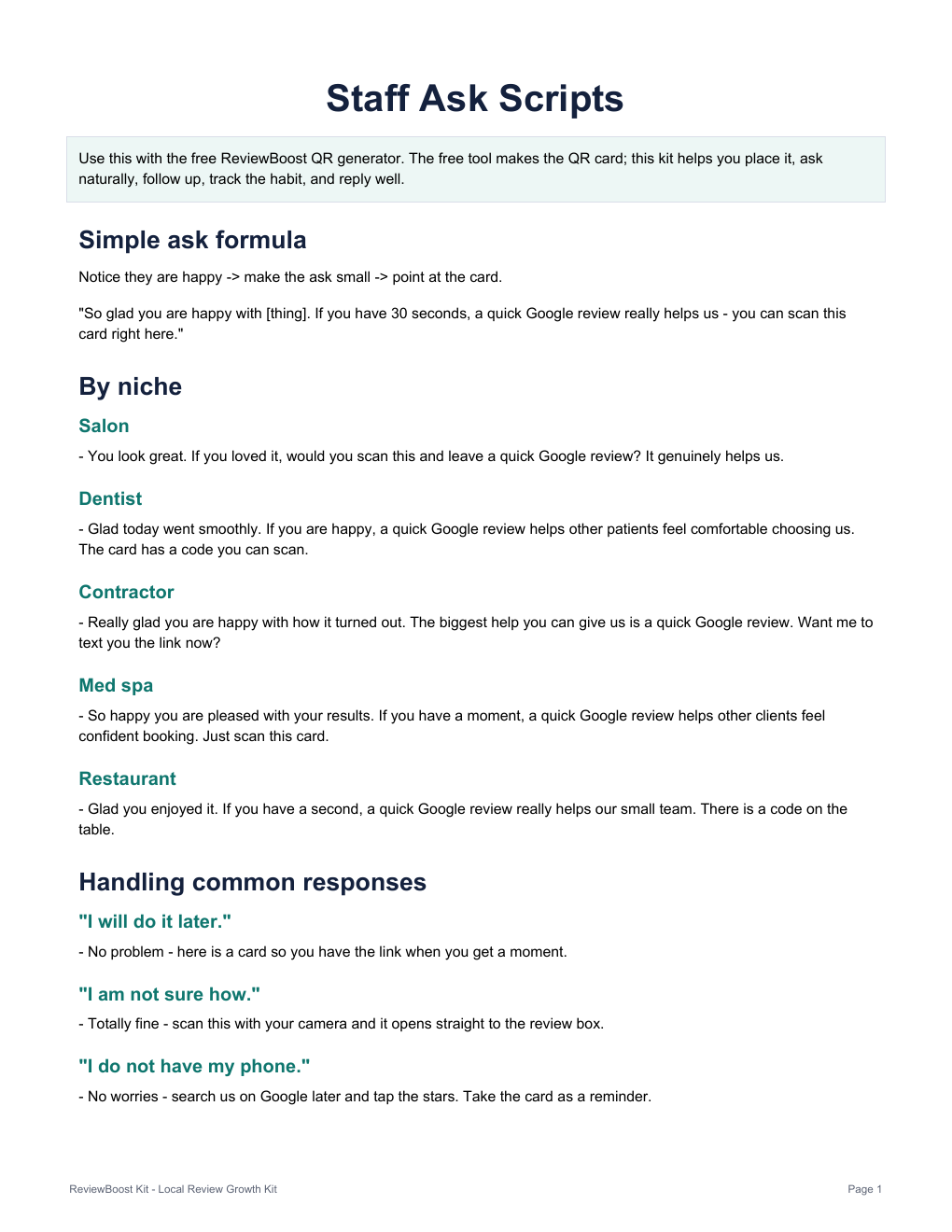
Staff ask-scripts
Natural lines for salons, clinics, contractors, cafés, gyms and any local business. No awkward selling.
-
Placement checklist
Where to put each card so people actually scan it, based on how customers move through your space.
-
Follow-up tracker
A simple sheet for who you've asked and who's next, so reviews come in steadily — not once.
-
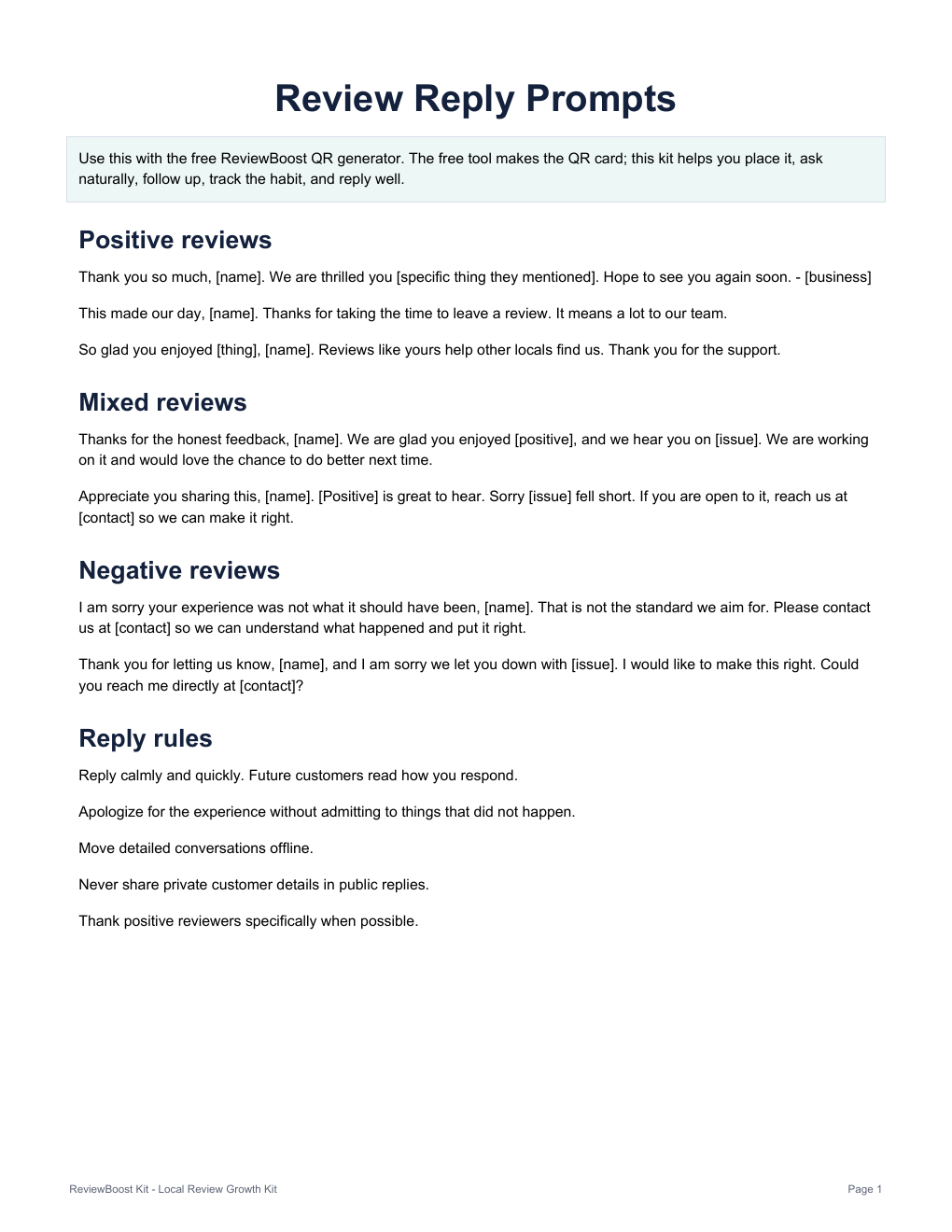
Review reply prompts
Starter replies for 5-star, mixed, and unhappy reviews. Always know what to write back.
-
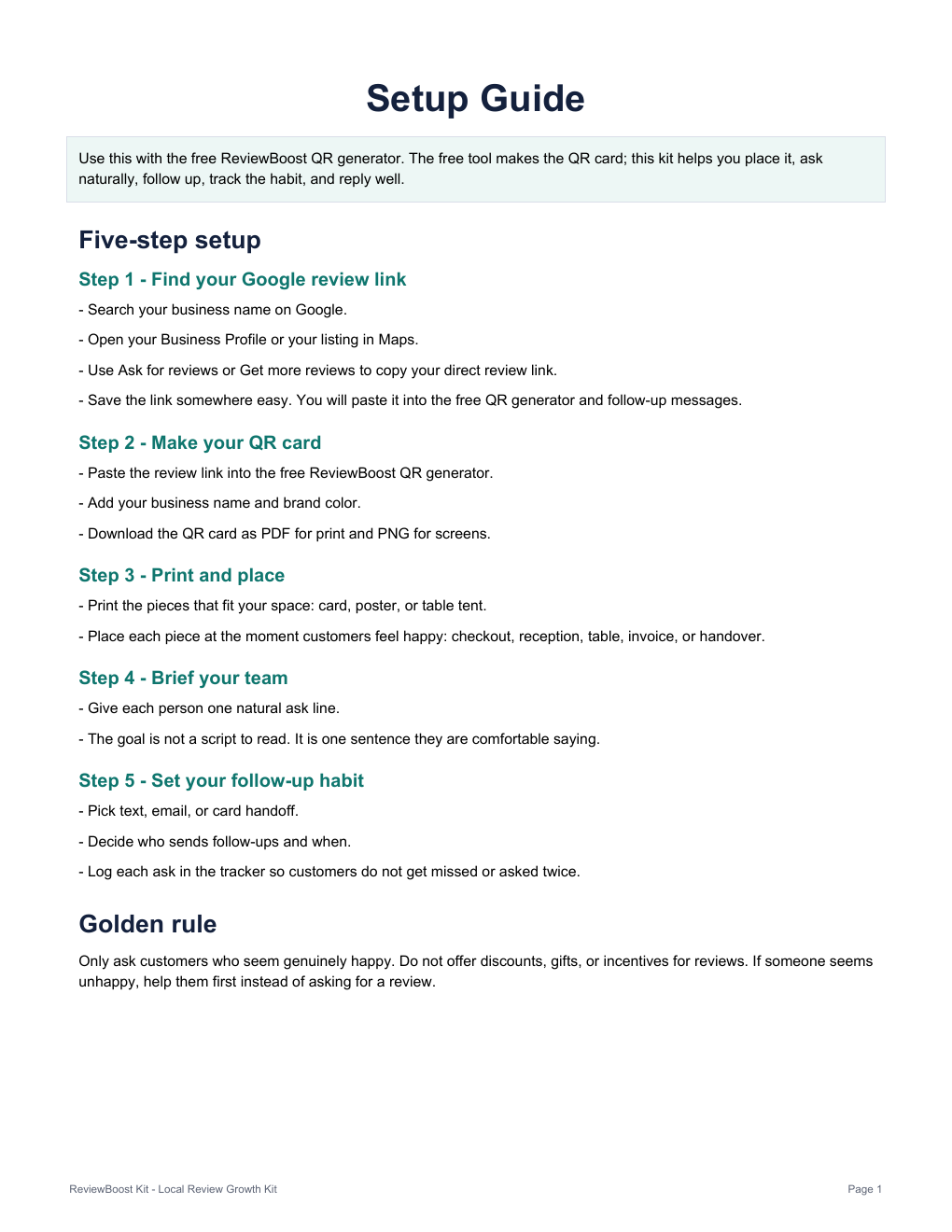
15-minute setup guide
Find your review link, build your QR, get everything printed and placed today.
What it does
- Builds your review QR and card in your browser.
- Exports print-ready PNG, SVG and PDF.
- Gives you the scripts and system to ask consistently.
What it doesn't
- Sign in to Google or read your reviews.
- Send texts or post replies for you.
- Promise higher Google rankings — nobody honestly can.
Straight answers
Questions before you print
Is the QR code generator really free?
Yes. Create, preview and download your branded review QR as PNG, SVG or PDF at no cost, no account. The $29 Kit is a separate, optional upgrade.
Where do I find my Google review link?
Search your business on Google, open your Business Profile, and use “Ask for reviews” to copy your review link. Paste it into the workbench above.
Will this get me higher Google rankings?
No ranking promises. This makes asking easy and consistent. What happens next is up to your customers and Google — and anyone guaranteeing rankings is guessing.
Does it connect to my Google account?
No. It never logs in to Google, reads reviews, or posts for you. It only builds a QR card from the link you paste, right in your browser.
Do the QR codes expire?
The QR points at your review URL. It keeps working as long as that Google review link stays valid.
What's in the $29 Kit?
Multi-size cards and posters, niche ask-scripts, a placement checklist, a follow-up tracker, review reply prompts, and a 15-minute setup guide. One-time payment, instant download.
Who makes ReviewBoost Kit?
ReviewBoost Kit is built by Provixon, a small digital product and marketing systems studio. Provixon also handles launch support and refund questions at support@provixon.com.