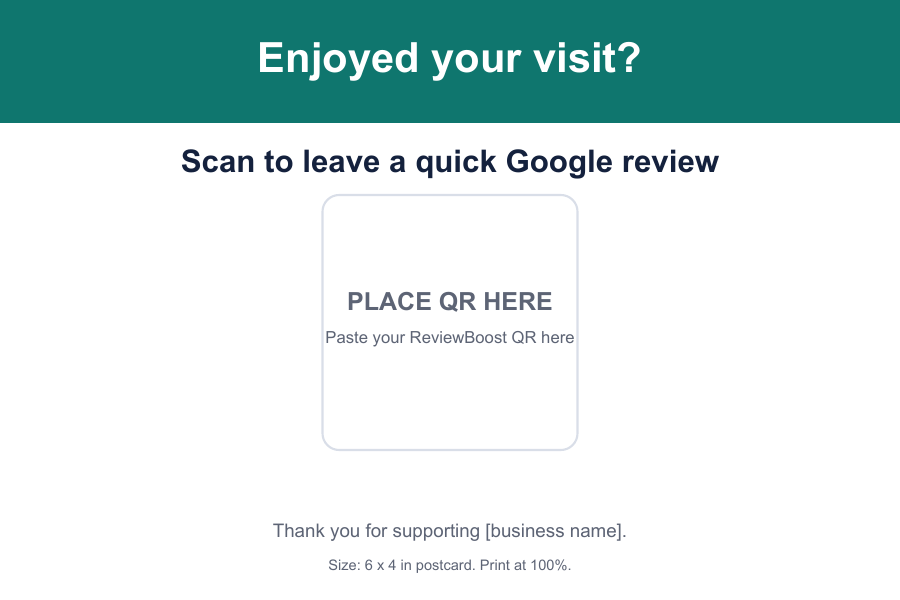
Start here: put your business name, one plain-language request, and a tested QR code on the card. That is enough. Decorative clutter, ranking promises, and “five-star only” wording only make the card less trustworthy.
What a printable review card needs
Your business name
Use the name customers recognize from your shopfront or invoice. They should know they scanned the right card before Google opens.
One direct request
Use an invitation such as “Scan to leave us an honest Google review.” It says exactly what will happen without telling people what to write.
A high-contrast QR code
Leave breathing room around the code, keep it large enough to scan, and test it from the distance where the card will sit.
A place to pause
A card works where customers already have a few seconds: beside payment, pickup, a table check, or a post-service desk.
Use this review-card wording
Print this above the QR code
“Enjoyed your visit? Scan here to leave us an honest Google review.”
For service businesses, try: “Happy with the job? A quick, honest Google review helps neighbours find us.”
Before you print a stack
- Scan the code from a phone at arm’s length.
- Confirm it opens the correct Google review form, not just your business homepage.
- Use a sharp PNG, SVG or PDF — not a screenshot of a QR code.
- Keep the quiet area around the QR code clean and untrimmed.
- Print one test card before ordering or cutting a batch.
Where to place the card
Checkout counter
The simplest fit for salons, clinics, retail, cafes, repair shops and other face-to-face businesses.
Pickup or handover point
Put it where the job is complete: a service desk, collection shelf, vehicle handover, or invoice sign-off.
Table or waiting area
Use a table tent only when customers have enough time and the card will not interrupt the experience.
Receipt or thank-you note
For online, mobile or home-service work, pair a direct review link with the same short, honest wording.
Do not gate or incentivise reviews
Invite honest feedback from real customers. Do not offer a reward for a review or try to steer unhappy customers away from Google. The card works best as a straightforward request after good work.
Free card vs. the $29 Kit
The free generator is for one custom card you can make today. The optional Local Review Growth Kit adds multi-size print files, staff ask-scripts, placement checklists, follow-up templates, reply prompts and a review tracker for businesses that want a repeatable system.
Make your version now.
Paste your review link, choose your business name and colour, then export a print-ready card in the format you need.
Build my free QR card